
We received reports of clients being unable to access their WealthWorks+ installation after applying their WealthWorks+ release, upgrading to version 4.19:

404 - File or directory not found
The resource you are looking for might have been removed, had its name changed, or is temporarily unavailable.
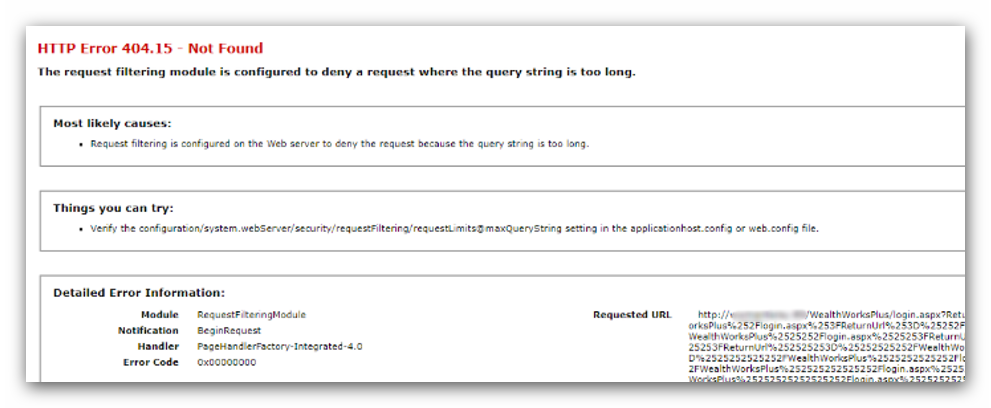
HTTP Error 404.15 - Not found
The request filtering module is configured to deny a request where the query string is too long.
Resolution
WealthWorks+ requires Forms Authentication to be enabled. To enable, navigate to your site through Internet Information Services (IIS) Manager, and open 'Authentication'. Select 'Forms Authentication', then 'Enable'.
Once this has been done you should then be able to access WealthWorks+ without further issue.
In the event of any further issues please contact support for further assistance.
This article was last reviewed 05/2026.