
Occasionally Troika programs can have communication issues with the Troika SQL database. Users may receive ODBC connection warnings, for example in Time & Billing:
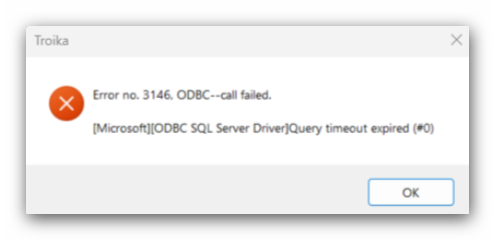
Error no. 3146. ODBC--call failed.
[Microsoft][ODBC SQL Server Driver]Query timeout expired (#0)
Or within Wealth Management:
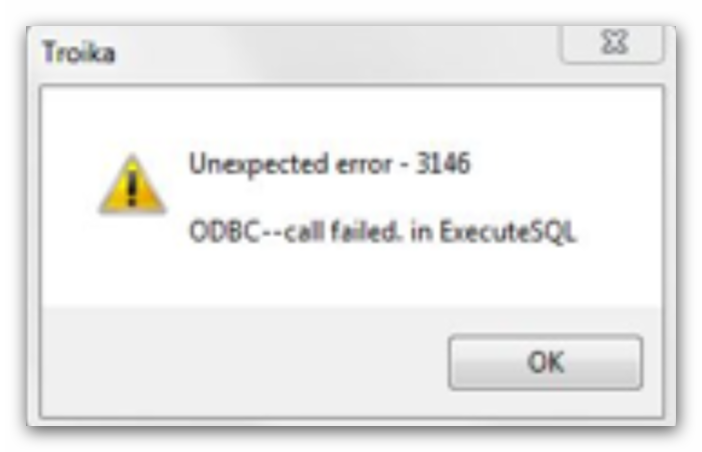
Unexpected error - 3146
ODBC--call failed. in Execute SQL
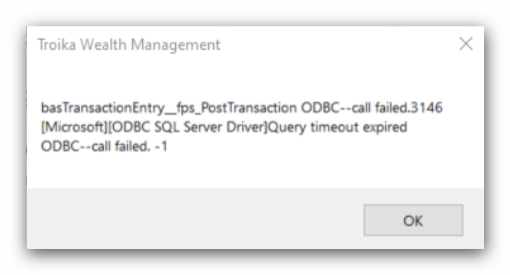
basTransactionEntry_fps_PostTransaction ODBC--call failed.346
[Microsoft][ODBC SQL Server Driver]Query timeout expired
ODBC--call failed. -1
Resolution
Most ODBC issues can be resolved by your IT department. We would recommend they conduct an initial review of the SQL Server on which the Troika SQL database is installed:
- Has the server been re-started recently? If not, can it be scheduled for a restart?
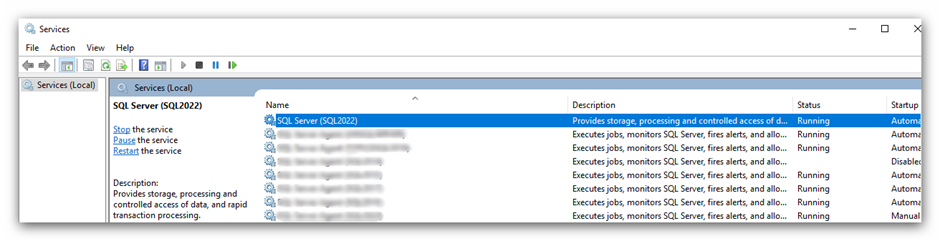
- If not, are you able to restart the SQL Server service specifically? Either schedule this for out of hours, or ensure no other users are attempting to use this same SQL instance for other databases before proceeding.
- Within SQL Server Management Studio (SSMS) > Activity Monitor, can you see any 'Suspended' SQL activity? If so, and all users appear 'stuck' within Troika, the oldest of these suspended activities can be closed using right-click and 'Kill Process'.
- Has the password for the 'TROIKA_USER' SQL user been changed at all? If so, the Troika data connection within ODBC Data Sources will require amending. As per the following article, we would usually recommend setting the password to a SQL authentication password which doesn't expire, or Windows authentication.
Troika SQL Logins 'TROIKA_USER' and 'TROIKA_SQL' - Does the server appear to have any space issues which need addressing?
In the event you require any further assistance with this, please contact support.
This article was last reviewed 05/2026.