
Adding Assets and Liabilities
To add assets and liabilities to an estate, within Wealth Management, Client tab, select the Load Data menu option. Within the Load Data window, select the date of death period and the 'IHT Details' button.
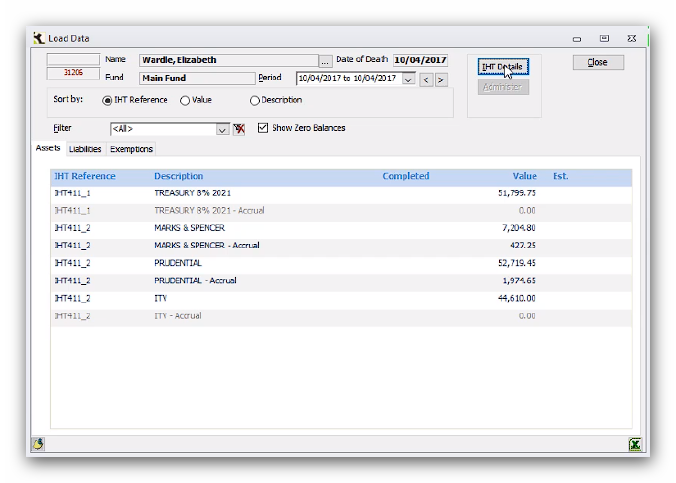
Select Assets/Liabs and use the drop-down menu to complete the relevant sections.
If there is additional information required for an asset or liability, then click Next to go through the additional tabs and complete all the details.
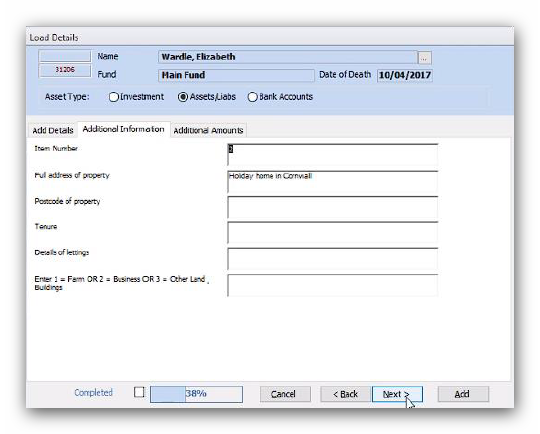
Additional information is essential for some entries (for example: Other land, buildings and rights over land, as the asset must be allocated as either a farm (1), business (2), or other (3)).
In the event you are waiting for a professional valuation, you can also tick the 'Estimate' check box. If any items still have Estimate values when you generate the IHT form a warning box will display to remind you.
Once the details are complete you click Add to save it to the estate.
When adding assets to the estate you may notice that the menu options available will reflect the IHT sub-schedules you checked on the Inheritance Tax Account tab in Estate Details – Edit.
You may also notice that every option in the drop-down menu has a reference next to it. These are used throughout all the assets types in the Load Details window. The reference relates to the IHT form and sub-schedules and will help your record all the assets and liabilities against the appropriate options for the correct completion of the IHT forms. A downloadable guide on where data entered into Troika appears on the IHT forms can be found on the Support Portal.
Editing and Deleting Assets and Liabilities
You can easily add additional information or amend a valuation for an asset in the Load Data window. You may need to do this if:
- you added properties when the estate was set to the IHT400 but have since changed the form selection to the IHT205, as there are additional questions under subsections IHT404_1 and IHT405_8 to cover the different treatment of property on the IHT205,
- you receive a professional valuation for an asset or,
- you did not have all the details when you initially entered an asset into Troika.
To add or update details for an item, find the entry in the Load Data screen. If you have a large list of items, you can use the Sort by options to re-order the list by Value or Description. Or use the Filter option to refine the list to one particular IHT reference.
Once located, double click on its 'Description':
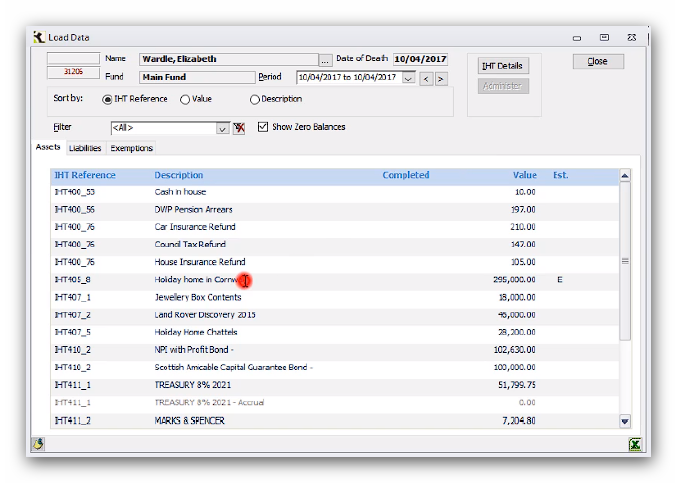
This will open the edit screen and you can enter details under the Additional Information tab as necessary.
To change a valuation of an item, double click on the entry’s value in the 'Load Data' screen:
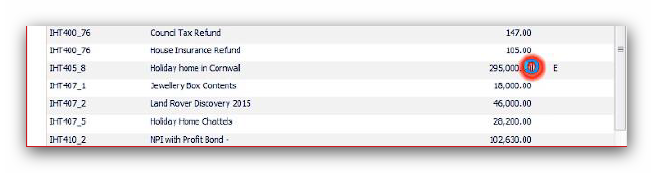
Enter the new amount in the 'Amended Value' field and untick the 'Estimate' box, if no longer required. Then click Update.
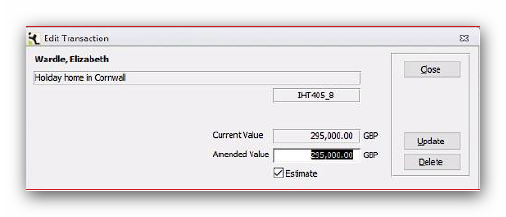
You also have the option to Delete the entry from this window.
If you delete the transaction you also need to delete the ledger entry from the Load Data window by double clicking on the Value again (which will now display as £0) and selecting Delete:
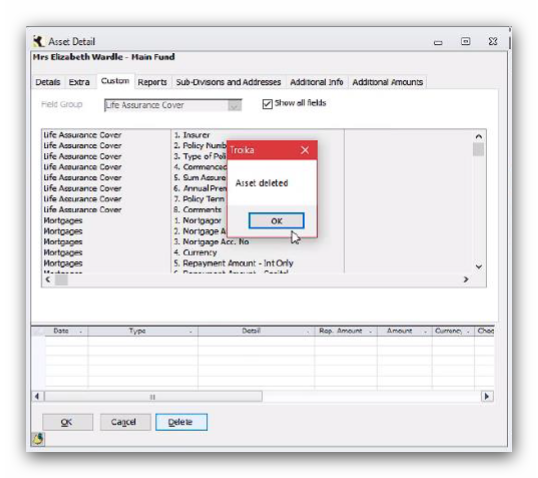
Editing and deleting liabilities is done in a similar way. Select the liabilities tab on the 'Load Data' screen:
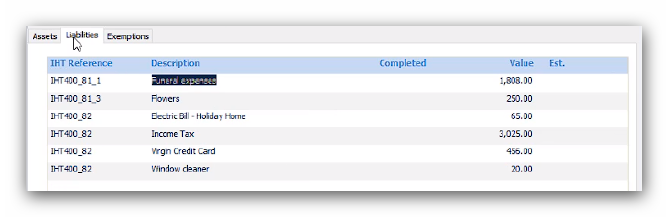
Then double click on the value of the entry to amend it. However, when editing values for liabilities ensure that the value either has a minus sign in front of it or is in brackets:
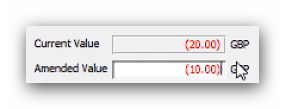
After you have made any changes you may need to regenerate the IHT form to ensure any updated information is included.
This article was last reviewed 05/2020.